
Hover Camera Drone: The Ultimate Guide to Capturing Breathtaking Aerial Footage
When it comes to compact drones engineered for effortless aerial photography, the hover camera drone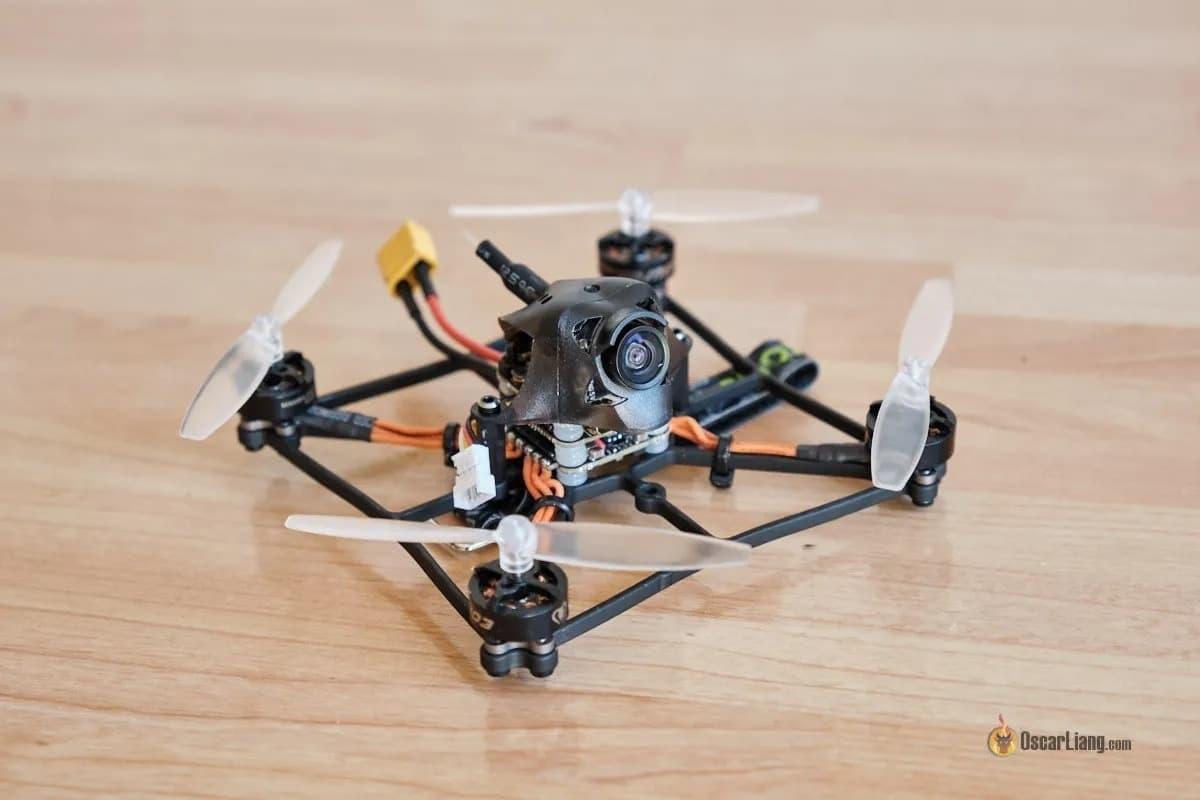 stands out as a leader in innovation and user-friendly design. In this comprehensive guide, let’s explore the feature set that makes the hover camera drone exceptional, uncover top tips for optimizing your aerial shots, and examine how this technology is revolutionizing drone-based imagery for both enthusiasts and professionals.
What Is a Hover Camera Drone?
The hover camera drone is a portable, foldable flying camera designed to elevate your content creation. Its intuitive controls, lightweight carbon fiber shell, and embedded high-resolution camera combine to make capturing eye-catching images and videos incredibly simple.
Unlike traditional drones that require complex setup and piloting experience, the hover camera drone typically uses facial recognition and auto-hover technology, allowing it to follow and film you autonomously. This unique feature is perfect for solo travelers, vloggers, and social media influencers.
Standout Features of Hover Camera Drone
- Ultra-Portable Build: Most hover camera drones are lightweight and foldable, making them easy to transport and deploy in seconds for spontaneous aerial photography.
- Safety-First Design: Enclosed propellers and sturdy chassis mean reduced risk during flight—ideal for beginners or indoor use.
- High-Definition Camera: Expect 4K video capture and crisp stills, ensuring your footage is always professional-grade. The hover camera drone’s advanced image stabilization delivers smooth, cinematic shots from the sky.
- Facial & Target Tracking: Leveraging AI-powered sensors, these drones lock onto and track human subjects automatically, maintaining focus during movement for dynamic action footage.
- Easy Social Sharing: Instant connectivity to mobile devices lets you edit and share aerial masterpieces within minutes. Many models include specialized apps for quick post-processing.
How To Get the Most Out of Your Hover Camera Drone
Tip 1: Scout Your Location
Choose open areas free from obstructions and crowds. Before launching your hover camera drone, inspect the surroundings to avoid trees, power lines, or other drones.
Tip 2: Master Flight Modes
Experiment with auto-follow, orbit, and panorama settings. These make capturing complex aerial movements simple, letting you focus on creativity rather than manual controls.
Tip 3: Plan Your Composition
Compose your shots thoughtfully. Leverage the hover camera drone’s bird’s-eye view for dramatic angles—consider symmetry, leading lines, or natural landscapes to enhance visual appeal.
Tip 4: Optimize Camera Settings
Manually set exposure and resolution. For golden hour shots, adjust ISO and shutter speed for best results—these tweaks can mean the difference between ordinary and stunning aerial images.
Tip 5: Keep Batteries Charged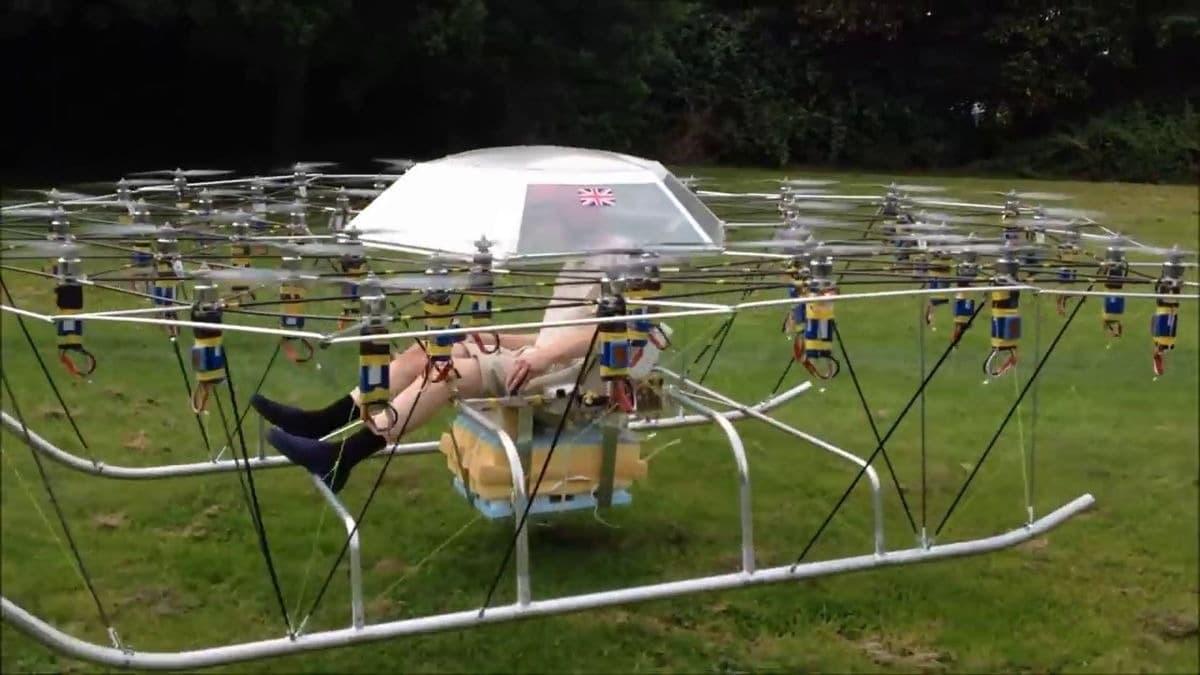
Hover camera drones are known for efficiency, but battery life is limited. Always carry spares, and monitor remaining flight time to avoid interrupted sessions.
Creative Applications of Hover Camera Drone Footage
Whether you aim to produce cinematic travel videos, real estate showcases, or action-packed outdoor adventures, the hover camera drone excels. Its stabilized, autonomous flight lets creators capture unique perspectives unsuited to handheld cameras. Landscape photographers, content creators, and marketers use this technology to gain a competitive edge in digital storytelling.
Why Hover Camera Drone Stands Out
- Accessible to All: No cumbersome controls—just launch, and let the drone do the work.
- Enhanced Privacy:
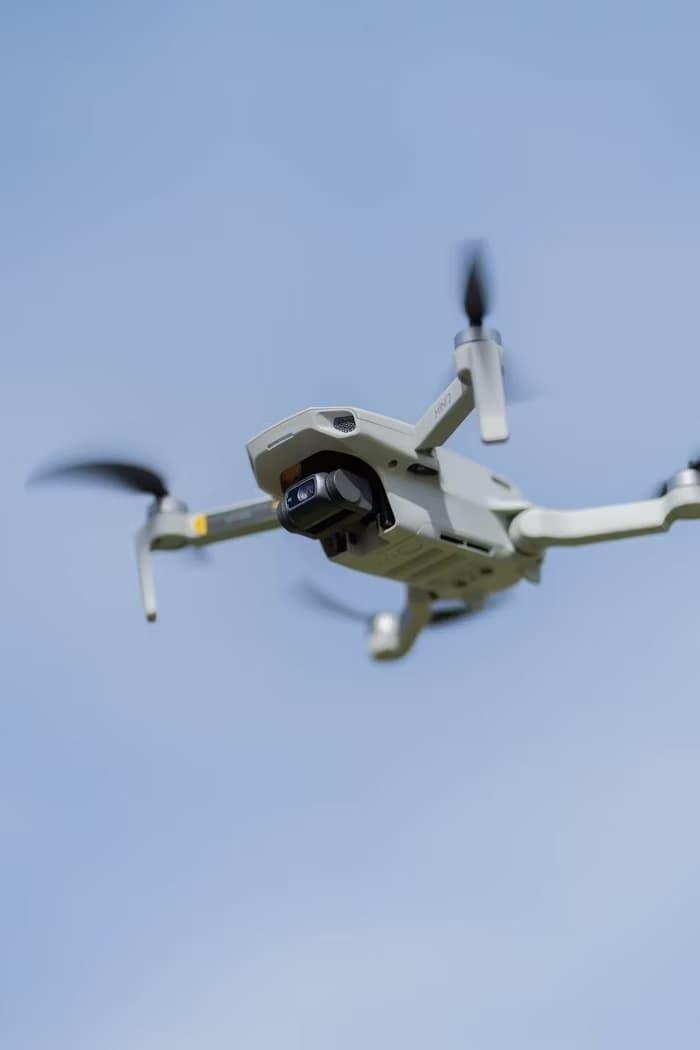 Target tracking means the focus remains on you, limiting unnecessary footage of bystanders.
 - Seamless Integration: Sync footage to your smartphone or editing software for effortless workflow.
SEO Insights: Hover Camera Drone and Search Visibility
The term “hover camera drone” consistently ranks among the top queries in consumer drone searches. Using this keyword throughout your content ensures better discoverability on search engines. If you’re writing about drones, make sure to include phrases like “aerial photography,” “portable drone,” “facial recognition drone,” and “autonomous flying camera” to boost your page ranking.
Buying Guide: Choosing Your Hover Camera Drone
When selecting the best hover camera drone, consider:
- Camera Quality: Look for high megapixel counts and 4K video capability.
- Flight Stability: Opt for drones with advanced stabilization and reliable auto-hover functions.
- Safety Features: Enclosed rotors and obstacle avoidance sensors are crucial for indoor and outdoor use.
- App Compatibility: Ensure seamless transfer and editing of footage for instant sharing.
Hover Camera Drone: Maintenance Tips
Clean lenses and rotors regularly, update firmware, and store your drone in a dry, secure location. Following these practices will prolong equipment lifespan and ensure optimal performance.
FAQ
- Can the hover camera drone be used indoors?
- Absolutely. Its enclosed design and stable flight make it safe for controlled environments like homes and offices, provided there’s ample space.
- How do I ensure my hover camera drone tracks me accurately?
- Begin by enabling facial recognition and standing in a well-lit area. Wear distinct colors to improve sensor reliability and minimize background distractions.
- Is the hover camera drone suitable for beginners?
- Yes, the hover camera drone’s automated features, simple controls, and safety mechanisms make it an excellent choice for those new to aerial videography.